Parallel builds
Keeps the UI responsive during heavy jobs with multi‑threading.
 autoPy++
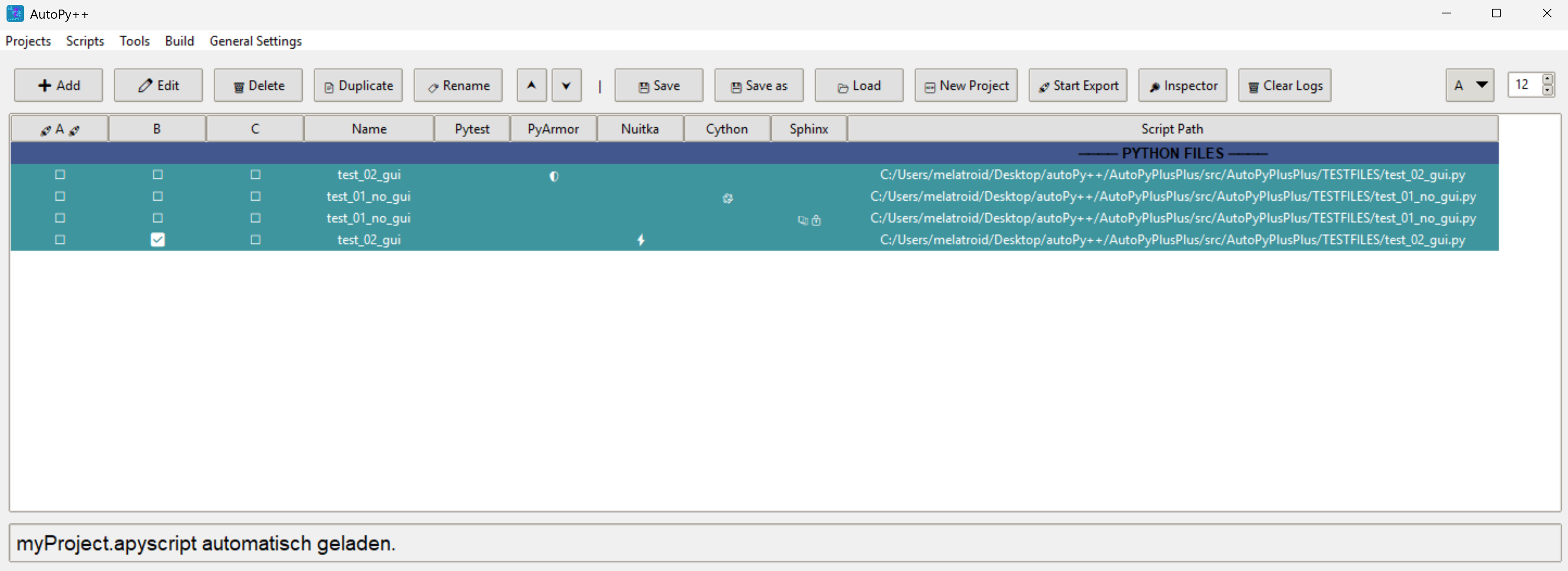
Run PyInstaller, PyArmor, Nuitka, and Cython without juggling CLIs. Save setups as reusable projects and rebuild anytime.
Different projects need different outputs: single-file EXEs, compiled modules, or obfuscated bytecode. Manually juggling toolchains is slow and error-prone. autoPy++ gives you one repeatable flow.
Note: autoPy++ manages its project files; no public schema is required.
Keeps the UI responsive during heavy jobs with multi‑threading.
Save & reopen builds; switch output folders with one click.
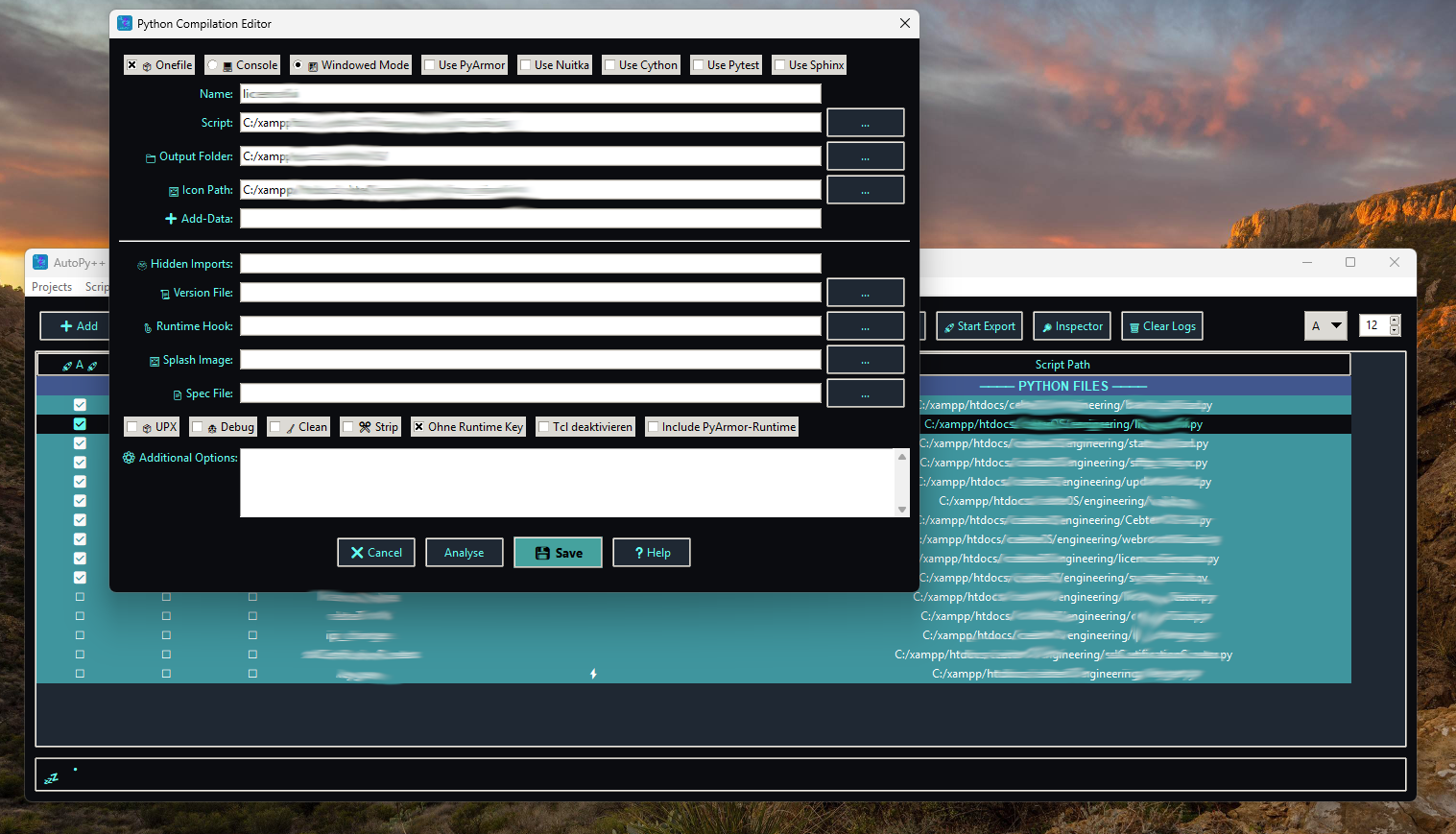
Open, edit, and save PyInstaller .spec files inside the app.
Obfuscate bytecode; configure runtime keys and options.
Compile Python code to native modules or executables. Supports C++ pipelines via MSVC (preview).
Search errors quickly and analyse build logs; includes an extended debug analyser.
autoPyPlusPlus.py or run windows_start.bat.git clone https://github.com/melatroid/autoPyPlusPlus.git
cd AutoPyPlusPlus
pip install -r requirements.txt
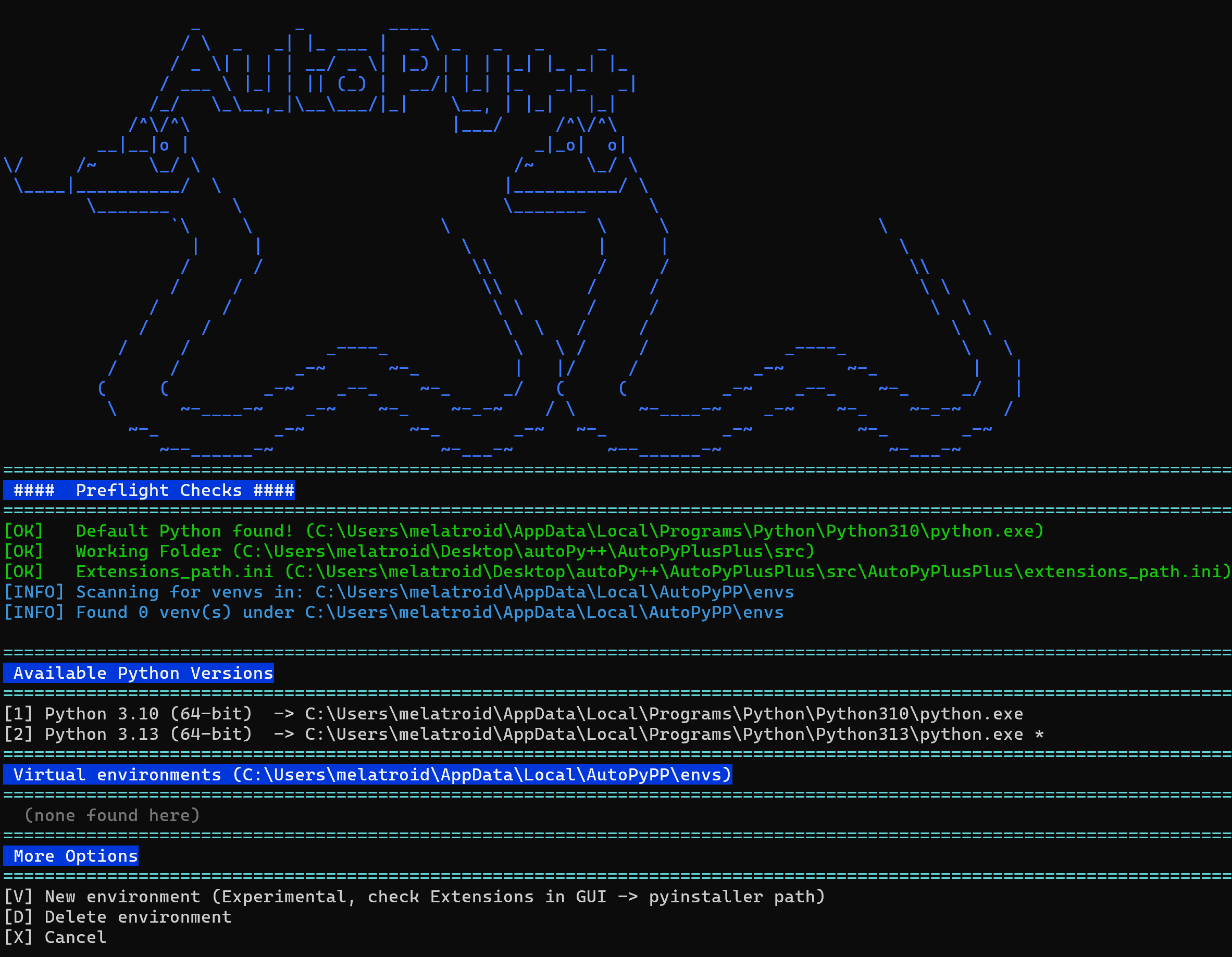
python autoPyPlusPlus.pyNote: If a tool isn’t found, verify paths (where pyinstaller, where nuitka).
Warning: autoPy++ is under active development. Back up your files before compiling and expect bugs.
Versions file on GitHub: versions.txt • Repo: melatroid/AutoPyPlusPlus
No — it’s a control center to configure and run them consistently. You still benefit from each tool’s capabilities.
Windows 10/11 works. Linux is not tested yet.
Unsigned EXEs and certain packing patterns can trigger false positives. Consider code signing and excluding build folders in your AV during compilation.
No – the software is under active development. Back up your files before use and expect bugs.
Yes – the code is available on GitHub. You build the tool yourself and are welcome to contribute.